How to Monitor Kids' AI Conversations Safely
Children are increasingly using AI chatbots to ask questions, learn, do homework, explore ideas, and have conversations. While AI can be a useful educational tool, it also creates a new challenge for parents: how can you monitor kids’ AI conversations and make sure those interactions are safe?
Traditional parental controls can help parents manage screen time, block websites, and restrict applications. But when a child is talking to an AI chatbot, simply knowing which app they are using may not be enough.
Parents may also want to understand what their child is asking, what the AI is responding, and whether a conversation contains potentially unsafe or inappropriate content.
In this guide, we’ll explain how to monitor kids’ AI conversations, what risks parents should be aware of, and what features to look for in an AI safety or parental control solution.
Why Should Parents Monitor Kids' AI Conversations?
AI chatbots can answer almost any question a child asks. This can be helpful, but it can also create situations that parents may not expect.
Depending on the chatbot, the child’s age, and the question being asked, an AI conversation could involve:
- Inappropriate or mature topics
- Violence or disturbing content
- Dangerous instructions
- Misinformation
- Privacy-related questions
- Sharing personal information
- Emotional or sensitive conversations
- Attempts to bypass AI safety restrictions
- Content that is not appropriate for the child’s age
This does not mean that children should never use AI.
Instead, parents may want to create a safer environment where children can benefit from AI while having appropriate boundaries and supervision.
If you’re considering ChatGPT specifically, read our guide: Is ChatGPT safe for kids? What parents need to know.
What Does "Monitor Kids' AI Conversations" Mean?
AI conversation monitoring is the process of helping parents understand and identify potential safety risks in their child’s interactions with AI chatbots.
Depending on the technology being used, monitoring can include:
- Reviewing AI conversations
- Detecting potentially unsafe content
- Identifying risk patterns
- Receiving alerts about concerning interactions
- Applying custom safety rules
- Managing children’s AI access
- Providing age-appropriate AI responses
The goal is not necessarily to read every conversation.
A good monitoring system should help parents identify situations that may require attention while allowing children to use technology appropriately.
Monitoring is only one part of creating a safe AI experience for kids. Parents should also consider age-appropriate responses, content filtering, privacy, and clear family rules. Learn more about what makes AI safe for kids.
What Risks Can Parents Find in AI Conversations?
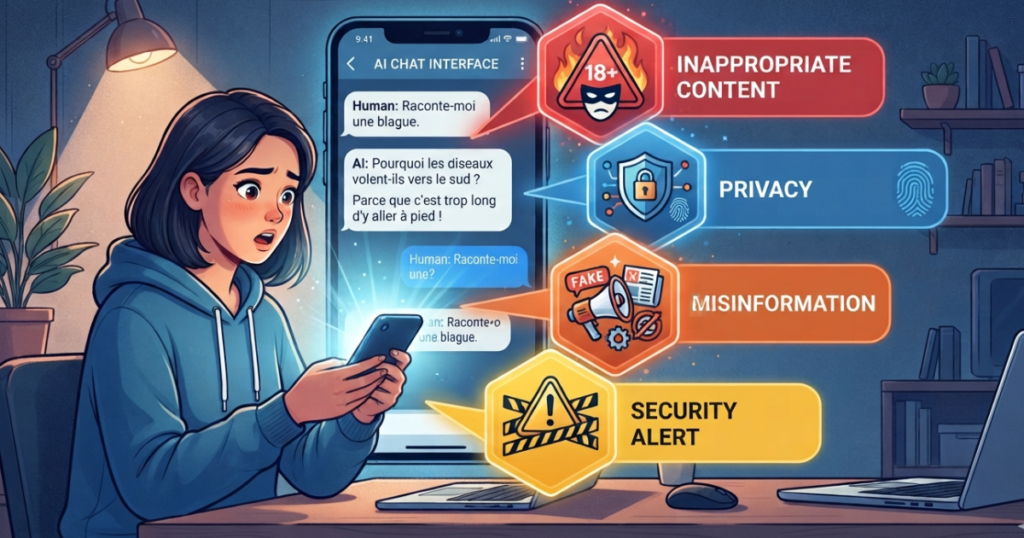
1. Inappropriate Content
Children may ask questions about subjects they are not developmentally ready to understand.
Even when a child asks an innocent question, an AI system may provide an answer that is too detailed or inappropriate for their age.
Age-appropriate AI responses and content safeguards can help reduce this risk.
If you’re still wondering whether children should use AI in the first place, read our guide: Is AI safe for kids?
2. Dangerous Instructions
Children may ask AI how to perform an activity without understanding the potential consequences.
Parents should consider whether an AI system has safeguards designed to prevent children from receiving potentially dangerous instructions.
3. Privacy Risks
Children may not always understand what information should remain private.
For example, they might share:
- Their full name
- School information
- Location
- Phone number
- Passwords
- Family information
- Photos or other personal details
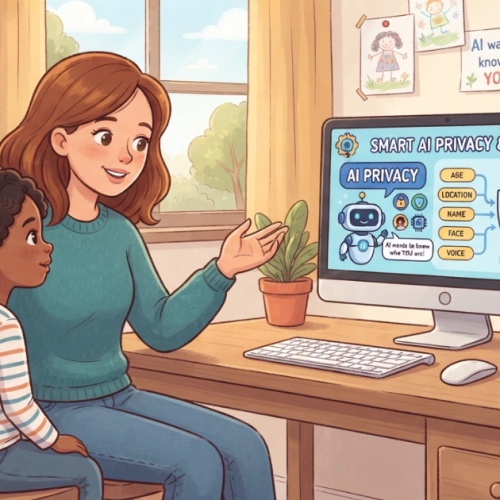
Parents can use AI conversations as an opportunity to teach children about online privacy.
Monitoring AI conversations can also help parents identify situations where a child may accidentally share personal information. Learn more about AI privacy for kids.
4. Misinformation
AI systems can sometimes provide incorrect or misleading information.
Children may assume that an AI-generated answer is automatically true simply because it sounds confident.
Parents should encourage children to verify important information, especially for health, safety, schoolwork, or other consequential topics.
5. Emotional Dependence
Some children may begin treating an AI chatbot like a friend or confidant.
While conversations with AI can feel natural, parents should help children understand the difference between interacting with software and building relationships with real people.
Monitoring can help parents notice unusual patterns without assuming that every AI conversation is problematic.
How Can Parents Monitor Kids' AI Conversations?
There are several approaches parents can take.
1. Talk to Your Child About AI
The simplest starting point is communication.
Explain to your child:
- What AI is
- What AI can and cannot do
- What information should remain private
- What types of questions are inappropriate
- What they should do if an AI gives them something uncomfortable or confusing
Children are more likely to develop healthy AI habits when monitoring is combined with education.
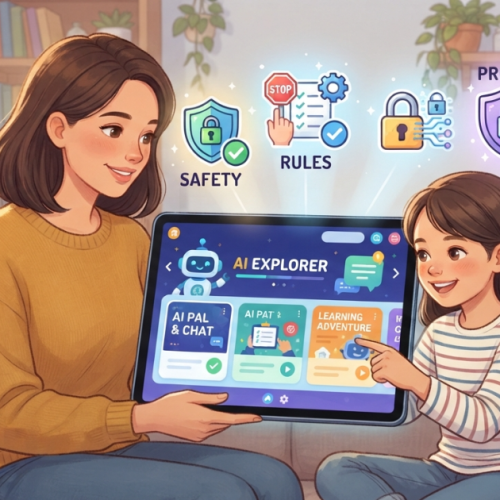
2. Set Family AI Rules
Parents can establish clear rules for AI use.
For example:
- Which AI applications are allowed?
- When can the child use AI?
- What information should never be shared?
- What topics require talking to a parent?
- Should AI be used for homework?
- What should the child do if an AI response seems unsafe?
Clear rules can make AI use easier to manage.
Monitoring is only one part of AI safety. Parents should also establish clear AI rules for kids to guide responsible AI use.
3. Use Parental Controls
Traditional parental control applications can help manage:
- Screen time
- Applications
- Websites
- Device access
- Content restrictions
However, these controls may not always provide visibility into what happens inside an AI conversation.
This is where AI-specific parental controls can add another layer of protection.
Parents looking for a broader solution can also explore how an AI parental control app can provide safety controls and greater visibility into children’s AI activity.
If you’re also looking for broader device protection beyond AI conversations, see our guide to the best parental control apps for Android.
4. Use AI Conversation Monitoring
AI-specific monitoring can help parents identify potentially concerning interactions rather than simply blocking access to AI.
Depending on the solution, this may include:
- Conversation monitoring
- Unsafe-content detection
- Risk alerts
- Custom AI rules
- Activity reports
- Age-based safety settings
This approach allows parents to focus on how AI is being used, rather than only whether an AI application is installed.
Why Blocking AI Apps Isn't Always Enough
Blocking an AI application may seem like the easiest solution.
But children use technology in different ways, and completely blocking AI may prevent them from accessing useful educational tools.
Parents can instead combine appropriate access with safety rules and supervision. For more practical strategies, read our guide on how to protect kids from AI chatbots.
The bigger question is often:
Can children use AI safely while parents maintain appropriate visibility and control?
Instead of relying only on blocking, parents can combine:
Access + Safety + Monitoring + Education
This approach can allow children to benefit from AI while establishing reasonable safeguards.
What Should Parents Look for in an AI Monitoring App?
If you are looking for a solution to monitor kids’ AI conversations, consider the following features.
AI Conversation Monitoring
The solution should provide visibility into the child’s AI activity and help parents understand potential safety concerns.
Unsafe Content Detection
Look for technology that can identify potentially inappropriate or risky content.
Real-Time Alerts
Parents may not have time to manually review every interaction.
Alerts can help bring attention to conversations that match configured safety conditions.
Age-Appropriate AI
An AI experience designed for children should consider the child’s age when generating responses.
A response appropriate for a teenager may not be appropriate for a younger child.
Custom Safety Rules
Every family has different expectations.
Parents should ideally be able to establish rules and boundaries that reflect their family’s preferences.
Activity Reports
Reports can help parents understand usage patterns over time rather than focusing only on individual conversations.
Privacy Protection
Child safety should also include privacy.
Parents should understand what information is collected, how it is used, and what controls are available.
How RaiKid Helps Parents Monitor Kids' AI Conversations
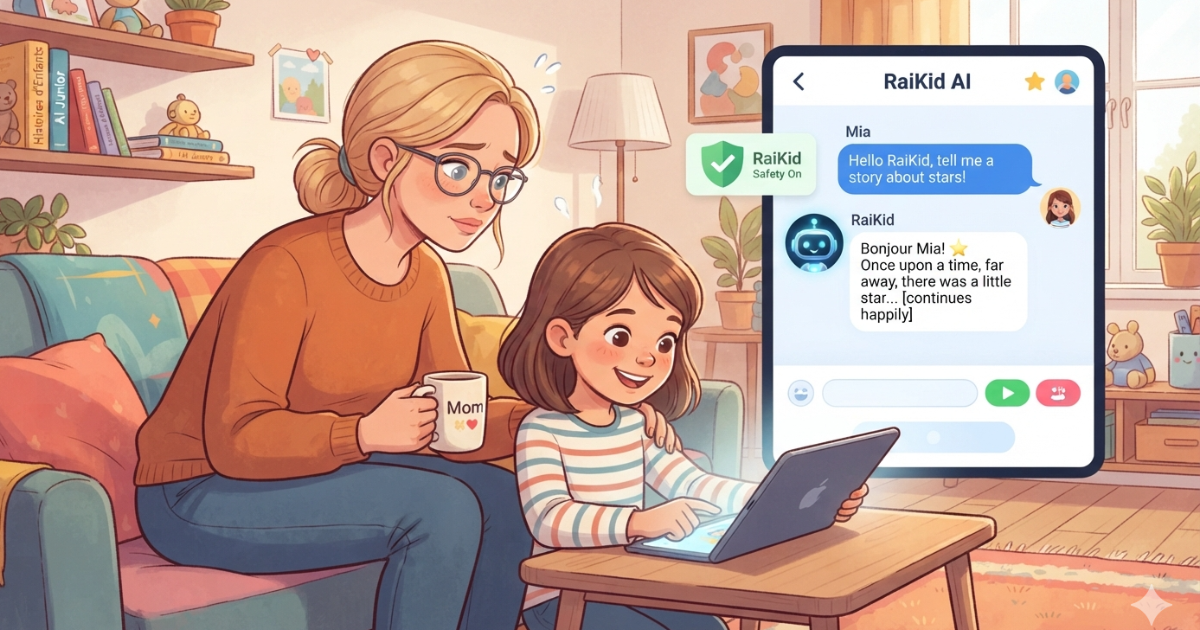
RaiKid is a safe AI platform for children that provides age-appropriate AI conversations while giving parents monitoring tools, customizable safety controls, and real-time alerts.
RaiKid is designed for families who want their children to use AI in a more age-appropriate environment while giving parents greater visibility and control.
Age-Appropriate AI Responses
RaiKid can adapt AI responses to the child’s age, helping make explanations and conversations more appropriate for their developmental stage.
Three-Layer Safety System
RaiKid uses multiple safety layers to help reduce exposure to inappropriate or unsafe AI content.
To learn how AI content filters work and how they can help protect children from unsafe AI content, read our complete guide to AI content filters for kids
Parental Monitoring
Parents can monitor their child’s AI activity through the RaiKid Parent experience.
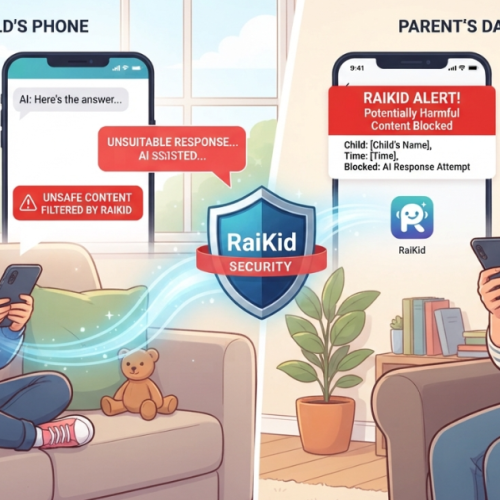
Real-Time Alerts
Parents can receive alerts when conversations trigger configured safety conditions or require attention.
Custom AI Rules
Parents can establish rules and boundaries that reflect their family’s preferences.
Multiple Child Profiles
Families with more than one child can manage individual profiles and settings.
Can Parents Monitor Their Child's ChatGPT Conversations?
This is one of the questions many parents have as children increasingly interact with general-purpose AI tools.
The answer depends on the AI service, device, operating system, and parental-control solution being used.
Parents should distinguish between:
Monitoring access to an AI application
and
understanding what happens inside the AI conversation.
Blocking or limiting an application can control access, but it does not necessarily provide insight into the content of the child’s interactions.
For parents specifically concerned about AI conversations, an AI-focused safety solution may provide an additional layer of visibility and control.
If you’re considering ChatGPT specifically, read our guide:
How to Monitor Kids' AI Conversations Without Breaking Trust
Monitoring children doesn’t have to mean creating an environment of secrecy.
In fact, transparency can make digital safety more effective.
Parents can explain:
“I’m not monitoring you because I don’t trust you. I’m helping you learn how to use AI safely.”
Consider discussing:
- Why AI conversations are monitored
- What types of alerts may be generated
- What information should remain private
- When parents may review activity
- What the child should do if something feels wrong
As children become more responsible, parents can gradually adjust their rules and level of supervision.
A Simple AI Safety Framework for Parents
A practical approach is to think about AI safety in four steps:
1. Set Rules
Define what AI can be used for and establish family boundaries.
2. Protect
Use age-appropriate AI and safety filters to reduce exposure to inappropriate content.
3. Monitor
Keep appropriate visibility into AI activity and potential safety risks.
4. Educate
Teach children how to question AI responses, protect their privacy, and ask for help when something feels wrong.
This combination is more useful than relying on a single safety feature.
Frequently Asked Questions
Can parents monitor kids' AI conversations?
Yes, depending on the AI service and parental-control technology being used. AI-focused safety solutions can provide additional visibility into children’s interactions with AI.
How can I monitor my child's AI conversations?
Parents can combine family AI rules, parental controls, age-appropriate AI tools, and AI conversation monitoring where available.
Can parental control apps monitor AI chatbots?
Traditional parental controls primarily focus on device usage, applications, websites, and screen time. Some newer solutions are designed specifically to address AI interactions and AI conversation safety.
How do I know what my child is asking AI?
The available options depend on the AI service and parental-control solution. Parents should look for tools that provide appropriate activity visibility, conversation monitoring, or safety alerts.
How can I detect unsafe AI conversations?
AI safety systems may analyze conversations for potentially inappropriate, dangerous, or otherwise concerning content and can notify parents when configured safety conditions are triggered.
Final Thoughts
AI is becoming part of how children learn, search for information, and explore the digital world.
For parents, the challenge is no longer simply deciding whether a child should use AI. It is also understanding how that AI is being used.
Monitoring kids’ AI conversations can help parents identify potential risks, establish healthier digital habits, and provide guidance when children encounter something confusing or inappropriate.
The best approach combines appropriate technology, parental oversight, clear family rules, and open communication.
If you want to give your child access to AI while maintaining greater visibility and control, RaiKid is designed to provide a safer, age-appropriate AI experience for children with parental monitoring, customizable safety controls, and real-time alerts.
Learn how RaiKid keeps AI safer for kids → Safe AI for Kids
About RaiKid
RaiKid is a safe AI platform designed for families who want children to use artificial intelligence in a more age-appropriate environment.
RaiKid combines child-focused AI conversations with parental monitoring, customizable safety rules, real-time alerts, and multiple child profiles.