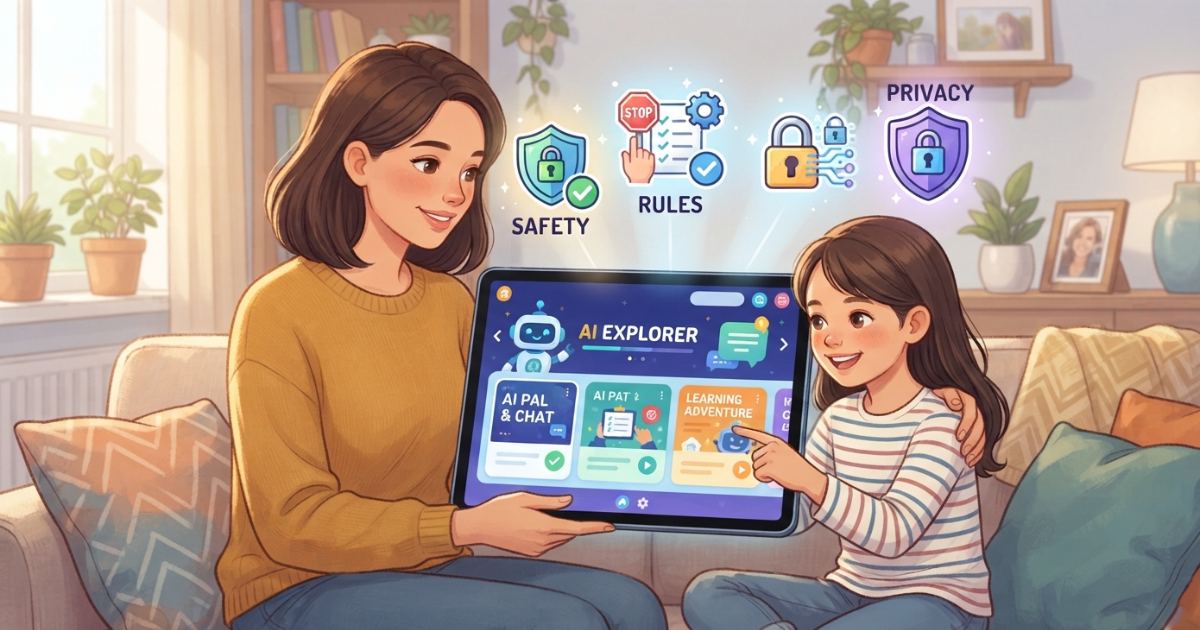
Artificial intelligence is becoming part of children’s everyday lives. Kids use AI to ask questions, get homework help, create stories, explore new ideas, and have conversations.
But as AI becomes more accessible, many parents are asking an important question:
What AI rules should I set for my child?
Clear AI rules for kids can help children benefit from artificial intelligence while understanding its limits, risks, and responsibilities.
Instead of simply banning AI, parents can create healthy boundaries around how, when, and why their children use it.
This guide explains the most important AI rules for kids and how parents can create safer AI habits at home.
Why Do Kids Need AI Rules?
AI can generate answers instantly, but children may not always understand:
- When an AI response is inaccurate
- Which information should remain private
- Which topics require parental guidance
- When AI should not replace independent thinking
- How AI can generate inappropriate content
- Why some AI conversations may be unsuitable for their age
Clear rules give children a framework for using AI safely.
The goal is not to make children afraid of AI.
The goal is to help them understand that AI is a powerful tool that should be used responsibly.
10 Important AI Rules for Kids
1. Never Share Private Information With AI
One of the most important AI rules for children is simple:
Never share private or sensitive information with an AI chatbot.
Children should avoid sharing:
- Their full name
- Home address
- School name
- Phone number
- Passwords
- Family financial information
- Private family details
Explain to your child that an AI chatbot should not be treated like a trusted family member.
When in doubt, they should ask a parent before sharing information.
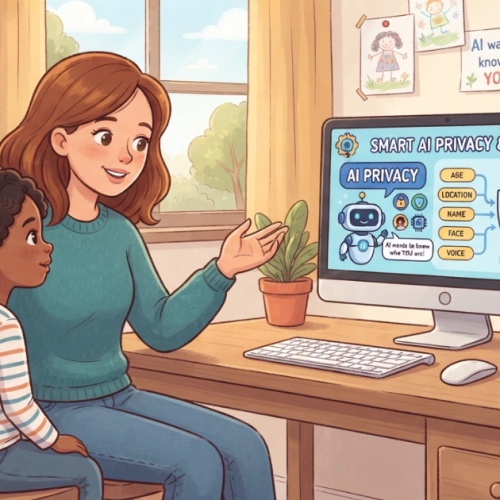
For more guidance, parents can also learn about AI privacy for kids.
2. Don't Assume AI Is Always Correct
AI can sound confident even when an answer is incomplete or incorrect.
Teach children to question important information and verify answers using trusted sources.
A useful rule is:
AI can help you learn, but AI should not be your only source of truth.
This is particularly important for:
- School assignments
- Health information
- Safety advice
- Historical facts
- News and current events
3. Don't Use AI to Do All Your Homework
AI can help explain difficult concepts and provide examples.
However, children should not simply copy AI-generated answers.
Encourage your child to use AI as:
- A tutor
- An explanation tool
- A brainstorming assistant
- A way to practice ideas
Instead of using it as a replacement for thinking and learning.
A good family rule could be:
Use AI to understand the answer, not simply to get the answer.
4. Tell a Parent if AI Says Something Uncomfortable
Children should know that they can always talk to a parent if an AI gives them:
- An inappropriate answer
- A disturbing response
- Something confusing
- Something frightening
- Advice that does not feel right
Children should never feel embarrassed about reporting an uncomfortable AI interaction.
A simple rule is:
If something an AI says makes you uncomfortable, stop and talk to a trusted adult.
5. Don't Try to Bypass AI Safety Rules
Children may encounter prompts online claiming that they can make an AI “ignore its rules.”
These are often referred to as jailbreak prompts.
Teach children that safety rules exist for a reason.
Trying to bypass safety protections can lead to inappropriate or potentially harmful content.
Instead of trying to “trick” AI systems, encourage children to use AI responsibly.
6. Use AI at Appropriate Times
AI can be useful, but children should not spend unlimited time talking to chatbots.
Parents can establish boundaries around:
- Daily AI usage time
- Homework use
- Bedtime
- Screen-free family activities
The goal is to make AI one useful tool among many—not something that replaces play, family interaction, creativity, or real-world learning.
7. Treat AI as a Tool, Not a Real Person
Some AI chatbots can sound extremely human.
Children should understand that AI does not have feelings, consciousness, or real-life experiences.
AI can simulate a conversation, but it should not replace relationships with:
- Parents
- Friends
- Teachers
- Trusted adults
Parents can explain that an AI can be helpful without being a real friend.
8. Ask Age-Appropriate Questions
Children are naturally curious, and asking questions is part of learning.
However, some topics may require parental guidance depending on the child’s age.
Parents can create family boundaries around sensitive topics and explain that children can always ask a trusted adult when they are unsure.
Age-appropriate AI is one important part of creating a safer experience.
9. Think Before You Trust or Share an AI Answer
Before sharing something generated by AI, children should ask:
- Is this information correct?
- Does it come from a reliable source?
- Could it be misleading?
- Should I ask an adult before sharing it?
This helps children develop AI literacy instead of automatically trusting everything generated by a chatbot.
10. Talk to a Parent When You're Not Sure
Perhaps the most important rule is:
When in doubt, ask a trusted adult.
Children should feel comfortable asking questions about AI without worrying that they will automatically lose access to it.
Open communication is one of the strongest AI safety tools available to families.
How to Create AI Rules Based on Your Child's Age
Not every child needs the same rules.
A 7-year-old and a 16-year-old have very different levels of maturity and independence.
Ages 6–10: Supervised AI Use
Recommended rules:
- Use AI with parental guidance
- Do not share personal information
- Avoid open-ended conversations with strangers or AI companions
- Ask a parent when something is confusing
- Use AI primarily for learning and creativity
Ages 11–14: Guided Independence
Recommended rules:
- Use AI independently within family boundaries
- Verify important information
- Follow privacy rules
- Report uncomfortable conversations
- Use AI responsibly for schoolwork
- Avoid attempts to bypass safety systems
Ages 15–17: Increasing Independence
Recommended rules:
- Continue protecting private information
- Develop strong AI literacy
- Verify important information
- Understand AI bias and misinformation
- Use AI responsibly for school and creativity
- Discuss complex topics openly with parents when needed
The level of supervision can gradually change as the child becomes more mature and responsible.
How Parents Can Set Effective AI Rules
Rules work best when children understand why they exist.
Instead of simply saying:
“You can’t use AI.”
Try explaining:
“You can use AI, but here are the boundaries that help keep you safe.”
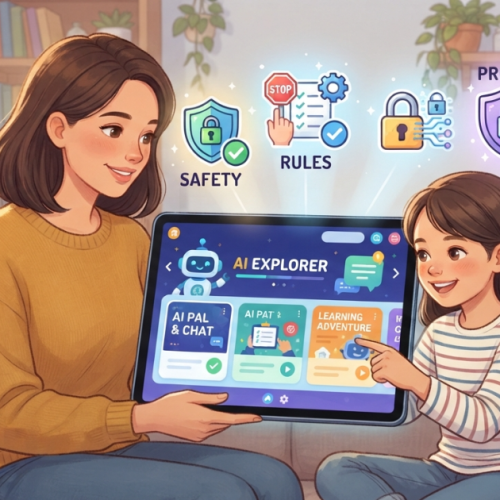
Parents can involve children in creating family AI rules.
For example, ask:
- What do you think AI should be used for?
- What information should remain private?
- When should you ask an adult for help?
- What should happen if an AI gives you an inappropriate answer?
When children participate in setting rules, they may be more likely to understand and follow them.
AI Rules vs AI Parental Controls
Family rules are important, but technology can also provide additional support.
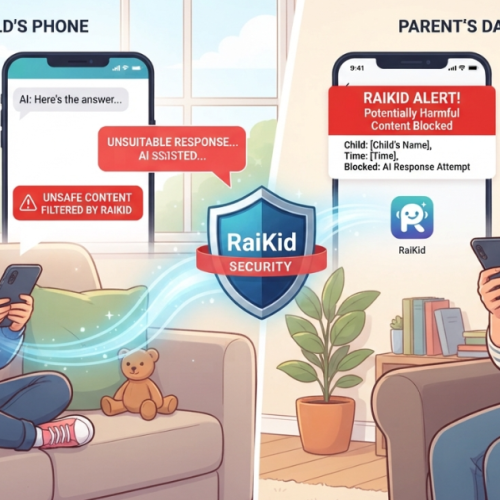
An AI parental control app can help parents apply safety boundaries while giving children an appropriate level of independence.
AI-focused parental controls may help provide:
- Content safety controls
- Age-appropriate AI experiences
- Parental visibility
- Safety alerts
- Custom boundaries
Technology should support parenting—not replace it.
The strongest approach combines clear family rules with appropriate safety tools.
How RaiKid Helps Parents Create Custom AI Rules
Every family has different values and expectations.
A rule that makes sense for one family may not make sense for another.
RaiKid allows parents to create custom AI rules and define boundaries based on their family’s preferences.
Parents can personalize aspects such as:
- Topics and conversation boundaries
- AI behavior
- Age-appropriate settings
- Usage limits
- Individual child preferences
This gives families more flexibility than relying on a single universal set of rules.
Custom AI rules can also help parents create different boundaries for different children.
AI Rules Are Only One Part of AI Safety
Creating clear rules is important, but it is only one part of a broader AI safety strategy.
Parents should also consider:
- AI content filters for kids
- Age-appropriate AI responses
- Monitoring kids’ AI conversations
- Privacy education
- Open communication
- Parental safety tools
Together, these layers can help create a safer AI environment.
To learn more about the broader topic, read our complete guide to safe AI for kids.
A Simple Family AI Rules Checklist
Before your child uses AI, make sure they understand:
✓ Don’t share private information.
✓ Don’t assume AI is always correct.
✓ Don’t copy AI answers without understanding them.
✓ Tell a parent about uncomfortable AI responses.
✓ Don’t try to bypass AI safety rules.
✓ Use AI at appropriate times.
✓ Remember that AI is not a real person.
✓ Think before trusting or sharing AI-generated information.
✓ Ask a trusted adult when you’re unsure.
You can use this checklist as the foundation for your family’s AI rules.
Frequently Asked Questions
What are the best AI rules for kids?
The most important AI rules include protecting private information, verifying AI answers, using AI responsibly for schoolwork, reporting uncomfortable conversations, and asking a trusted adult when unsure.
Should parents set rules for children's AI use?
Yes. Clear family rules can help children understand how to use AI safely and responsibly.
At what age should kids start using AI?
There is no single age that is appropriate for every child. Parents should consider the child’s maturity, the AI tool being used, available safety features, and the level of supervision.
Should kids be allowed to use AI for homework?
AI can be useful for explaining concepts and helping children learn. However, children should understand that AI should support learning rather than simply complete their work.
How can parents prevent children from sharing personal information with AI?
Parents can establish clear privacy rules, explain what information should remain private, and use child-focused AI tools with appropriate safety controls.
Final Thoughts
AI can provide valuable learning and creative opportunities for children.
But children need a different level of protection than adults.
An AI content filter for kids can help reduce exposure to inappropriate or potentially harmful content, but filtering alone should not be considered a complete solution.
The strongest approach combines:
- AI content filtering
- Age-appropriate responses
- Privacy protection
- Parental visibility
- Safety alerts
- Clear family rules
- Open communication
By combining these layers, parents can help children explore the benefits of AI while reducing unnecessary risks.
RaiKid is designed to help families create a safer AI experience for children through multi-layered safety, age-appropriate AI responses, parental visibility, real-time alerts, and customizable AI rules.
Discover how RaiKid helps make AI safer for kids
About RaiKid
What is an AI parental control app?
An AI parental control app is designed to help parents create safer boundaries around children’s AI interactions through features such as safety controls, parental visibility, and customizable rules.
Final Thoughts
AI will continue to become part of children’s education, entertainment, and everyday digital experiences.
Instead of waiting for a problem to happen, parents can create clear AI rules that help children develop safe and responsible habits from the beginning.
The best AI rules for kids are simple, understandable, and appropriate for the child’s age.
By combining clear boundaries, open communication, AI education, and appropriate safety technology, parents can help their children benefit from AI while reducing unnecessary risks.
RaiKid helps parents create a safer AI experience through age-appropriate conversations, safety controls, parental visibility, alerts, and customizable AI rules.
Give your child the freedom to explore AI—with boundaries designed for your family.
About RaiKid
RaiKid is a child-focused AI safety platform designed to help families create safer and more age-appropriate AI experiences for children through AI safety controls, parental visibility, real-time alerts, and customizable rules.