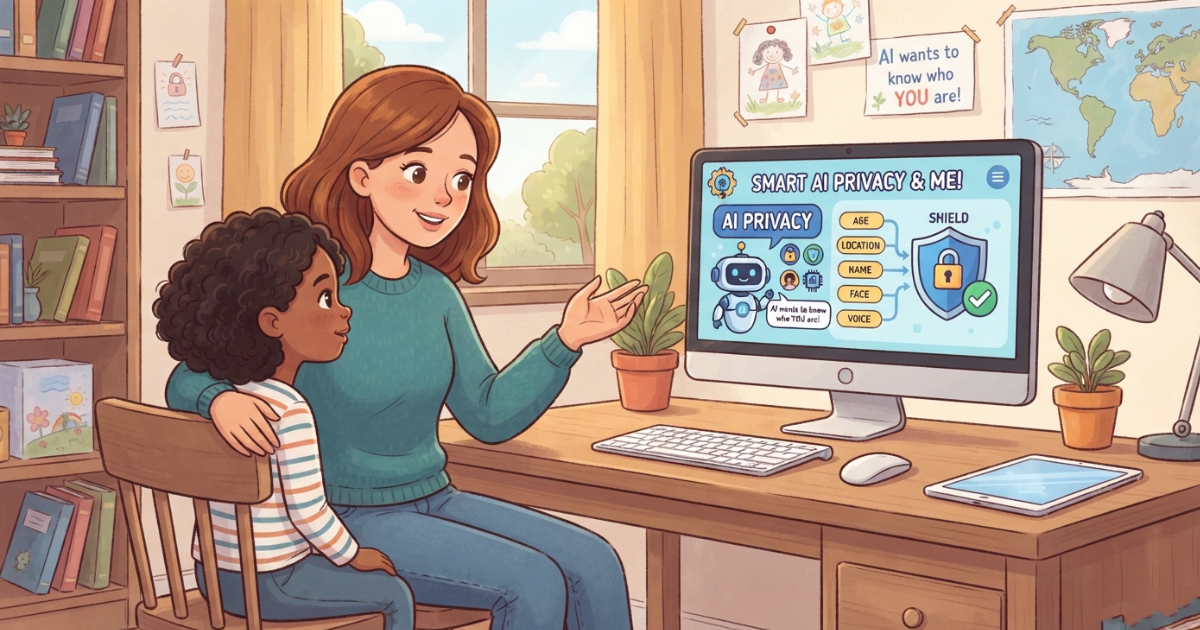
Children are using artificial intelligence for homework, entertainment, creativity, and everyday questions.
But when a child interacts with an AI chatbot, they may share information without realizing that some details are private or sensitive.
This makes AI privacy for kids an important part of digital safety.
Parents need to understand what information children should avoid sharing with AI, how AI tools can handle personal information, and what families can do to build safer AI habits.
Why Is AI Privacy Important for Kids?
Children may not always recognize the difference between harmless information and information that should remain private.
A child might tell an AI chatbot:
- Their full name
- Their school
- Where they live
- Their phone number
- Their age
- Information about their family
- Personal experiences
- Passwords or account information
- Photos or other identifying information
Even when a child does not intend to share sensitive information, it can happen naturally during a conversation.
Teaching children about privacy before they use AI can help them make safer decisions.
What Information Should Kids Never Share With AI?
A simple family rule can make a big difference:
If you would not share it with a stranger, don’t share it with an AI chatbot.
Children should generally avoid entering sensitive information such as:
Passwords and Login Information
Children should never provide passwords, authentication codes, or other account credentials to an AI chatbot.
Home Address
A child’s exact home address should remain private.
School Information
Children should be careful about sharing their school name, classroom, schedule, or other details that could identify where they spend their time.
Phone Numbers
Personal phone numbers should not be shared with AI tools unless a parent has specifically determined that it is appropriate.
Financial Information
Children should never share credit card numbers, bank details, or other financial information.
Private Family Information
Children may sometimes mention family problems, relationships, travel plans, or other personal details without realizing that these are private.
Parents can teach children to think before sharing.
Can Kids Share Their Names With AI?
A first name alone may seem harmless, but children should still understand the difference between casual information and identifying information.
Whether a particular piece of information is appropriate to share depends on the AI service and the context.
A good rule for younger children is:
Ask a parent before sharing personal information with an AI chatbot.
As children become older, parents can gradually teach them how to evaluate privacy risks independently.
What Are the Privacy Risks of AI Chatbots for Children?
AI privacy involves more than just names and addresses.
Parents should also consider several broader risks.
Accidental Oversharing
Children may reveal personal information during a conversation without realizing it.
For example, a child asking for help with a school problem might mention their school, teacher, location, or other identifying details.
Sensitive Conversations
Children may use AI to discuss emotions, relationships, family situations, or other personal experiences.
Parents should choose AI tools carefully and understand how those services approach privacy.
Photos and Images
Children may upload photos to AI tools for analysis, editing, or other purposes.
Parents should understand what happens to uploaded content and what privacy controls are available before allowing children to use these features.
Third-Party AI Services
Not every AI service has the same privacy practices.
Parents should review the service’s privacy policy and understand what information the service collects, how it is used, and what controls are available.
How Can Parents Teach Kids AI Privacy?
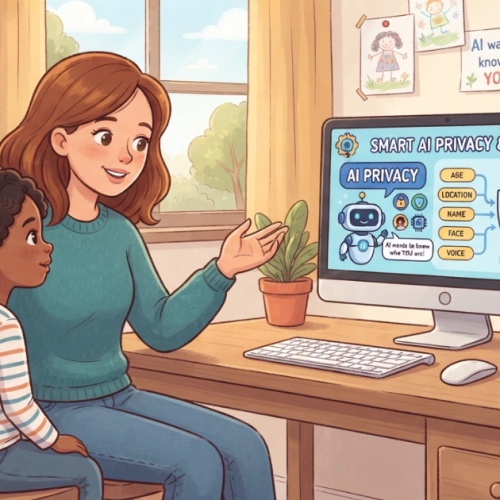
Privacy education should be simple and age-appropriate.
Instead of giving children a long list of technical rules, start with a few principles.
Rule 1: Think Before You Share
Teach children to pause before entering personal information into an AI chatbot.
Rule 2: Never Share Passwords
This should be a non-negotiable rule.
Rule 3: Ask Before Sharing Personal Information
Younger children should ask a parent before sharing identifying information.
Rule 4: Be Careful With Photos
Children should understand that uploading a photo to an AI tool is different from keeping it on their device.
Rule 5: Tell a Parent if Something Feels Wrong
If an AI asks for unusual personal information or makes a child uncomfortable, they should stop and tell a trusted adult.
AI Privacy Rules for Different Ages
Children’s privacy education should evolve as they grow.
Ages 6–10
Keep the rules simple:
- Don’t share your full name
- Don’t share your address
- Never share passwords
- Don’t upload photos without permission
- Ask a parent before sharing personal information
At this age, supervised AI use can provide an additional layer of protection.
Ages 11–14
Children can start learning more about:
- Personal data
- Online identity
- Privacy settings
- AI data collection
- Safe sharing
- Digital footprints
Parents can gradually give children more independence while maintaining appropriate boundaries.
Ages 15–17
Teenagers can develop more advanced privacy skills, including:
- Understanding privacy policies
- Evaluating AI services
- Recognizing data collection
- Managing account settings
- Understanding digital footprints
- Thinking critically about what they share online
The objective is to help children eventually manage their own digital privacy responsibly.
What Should Parents Look for in an AI Tool for Kids?
Privacy should be one of the criteria parents consider before choosing an AI tool for a child.
Look for clear information about:
Data Collection
Understand what information the service collects.
Data Usage
Check how collected information may be used.
Data Retention
Look for information about how long data may be retained.
Account Controls
Check what controls parents have over the child’s account.
Child Safety Features
Consider whether the service provides age-appropriate safety features.
Transparency
A trustworthy service should clearly explain its approach to privacy and safety.
Parents should always review the current privacy documentation of any AI service they allow their child to use.
AI Privacy and Parental Controls
Privacy education is essential, but technology can also support parents.
An AI parental control app can provide additional tools for creating safer boundaries around children’s AI activity.
Depending on the solution, these tools may include:
- Parental visibility
- Safety alerts
- Content filtering
- Custom AI rules
- Age-appropriate AI experiences
- Activity monitoring
The goal is not to eliminate children’s independence.
It is to give parents appropriate tools to help guide their children as they learn to use AI responsibly.
How RaiKid Supports Safer AI Experiences for Kids
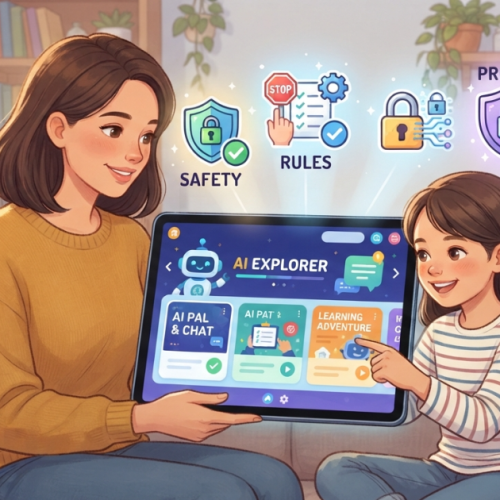
RaiKid is designed around the idea that children should be able to explore AI in an environment created with their age and safety in mind.
RaiKid combines several safety and parental-control features.
Age-Appropriate AI
RaiKid is designed to provide AI interactions that are more appropriate for the child’s age.
AI Safety Layers
Multiple safety layers help reduce exposure to potentially inappropriate or unsafe AI content.
Parental Visibility
Parents can monitor their child’s AI activity through the RaiKid Parent experience.
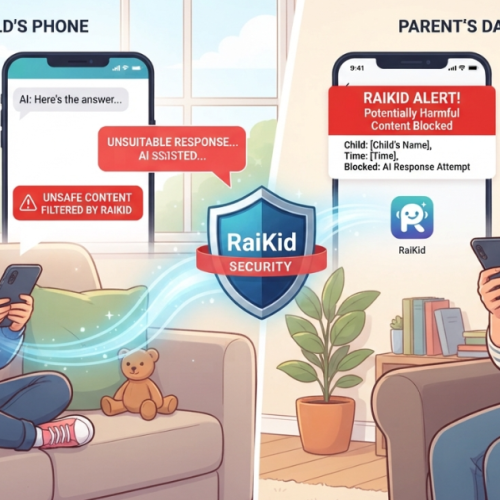
Real-Time Alerts
Parents can receive alerts when conversations trigger configured safety conditions or require attention.
Custom AI Rules
Parents can establish boundaries that reflect their family’s preferences.
Multiple Child Profiles
Families with multiple children can manage individual profiles and settings.
Privacy is one part of a broader AI safety strategy. Parents should also consider AI content filters for kids, conversation monitoring, age-appropriate AI, and clear family rules.
How to Protect Kids' Privacy When Using AI Chatbots
Parents can use this simple checklist:
Before your child uses an AI chatbot:
✓ Explain what personal information should remain private.
✓ Teach them never to share passwords.
✓ Explain why home and school information can be sensitive.
✓ Discuss whether photos should be uploaded.
✓ Review the AI service’s privacy information.
✓ Set clear family AI rules.
✓ Encourage children to ask when they are unsure.
✓ Choose AI tools with appropriate child-safety features.
For more guidance, read our complete guide to AI rules for kids.
AI Privacy Is Part of Safe AI for Kids
Protecting children’s privacy is only one part of creating a safer AI environment.
Parents should also think about:
- Inappropriate content
- Misinformation
- Dangerous instructions
- Emotional dependence
- AI conversation monitoring
- Age-appropriate responses
- Screen time
- Responsible AI use
Our guide to safe AI for kids covers these topics in more detail.
Frequently Asked Questions
What is AI privacy for kids?
AI privacy for kids refers to protecting children’s personal information and helping them understand what information they should and should not share when using AI tools.
What personal information should children not share with AI?
Children should generally avoid sharing passwords, addresses, phone numbers, financial information, school details, and other sensitive personal information.
Can children use AI chatbots safely?
Children can use AI more safely when parents choose appropriate tools, establish clear rules, provide age-appropriate guidance, and teach children about privacy and other AI risks.
Should parents read their child's AI conversations?
The appropriate level of parental monitoring depends on the child’s age, maturity, family expectations, and the tools being used. Parents should aim to balance safety with trust and age-appropriate independence.
How can parents protect children's privacy when using AI?
Parents can teach children privacy rules, review the privacy practices of AI services, establish family boundaries, and use appropriate child-focused safety tools.
Final Thoughts
AI can provide valuable learning and creative opportunities for children.
But children need a different level of protection than adults.
An AI content filter for kids can help reduce exposure to inappropriate or potentially harmful content, but filtering alone should not be considered a complete solution.
The strongest approach combines:
- AI content filtering
- Age-appropriate responses
- Privacy protection
- Parental visibility
- Safety alerts
- Clear family rules
- Open communication
By combining these layers, parents can help children explore the benefits of AI while reducing unnecessary risks.
RaiKid is designed to help families create a safer AI experience for children through multi-layered safety, age-appropriate AI responses, parental visibility, real-time alerts, and customizable AI rules.
Discover how RaiKid helps make AI safer for kids
About RaiKid
What is an AI parental control app?
An AI parental control app is designed to help parents create safer boundaries around children’s AI interactions through features such as safety controls, parental visibility, and customizable rules.
Final Thoughts
AI will continue to become part of children’s education, entertainment, and everyday digital experiences.
Instead of waiting for a problem to happen, parents can create clear AI rules that help children develop safe and responsible habits from the beginning.
The best AI rules for kids are simple, understandable, and appropriate for the child’s age.
By combining clear boundaries, open communication, AI education, and appropriate safety technology, parents can help their children benefit from AI while reducing unnecessary risks.
RaiKid helps parents create a safer AI experience through age-appropriate conversations, safety controls, parental visibility, alerts, and customizable AI rules.
Give your child the freedom to explore AI—with boundaries designed for your family.
About RaiKid
RaiKid is a child-focused AI safety platform designed to help families create safer and more age-appropriate AI experiences for children through AI safety controls, parental visibility, real-time alerts, and customizable rules.
Final Thoughts
Children should be able to explore technology without putting their privacy at unnecessary risk.
As AI becomes more common in education and everyday life, teaching children how to protect their personal information is becoming an essential digital skill.
The best approach combines:
Privacy education + clear family rules + age-appropriate AI + appropriate safety tools.
Parents do not need to completely eliminate AI from their children’s lives.
Instead, they can help children understand how to use it safely, responsibly, and thoughtfully.
RaiKid helps families create a safer AI experience for children through age-appropriate AI, safety controls, parental visibility, real-time alerts, and customizable AI rules.
About RaiKid
RaiKid is a child-focused AI safety platform designed to help families create safer and more age-appropriate AI experiences for children through AI safety controls, parental visibility, real-time alerts, and customizable rules.